
Introduction
JBL speakers are well-known for delivering exceptional sound quality. Knowing how to properly turn on your JBL speaker is essential for maximizing its potential. This guide walks you through the process of powering on your speaker, resolving possible issues, and provides tips to enhance your listening experience. Whether new to JBL products or in need of a refresher, understanding these steps will help you get the best audio experience.
Understanding Your JBL Speaker Model
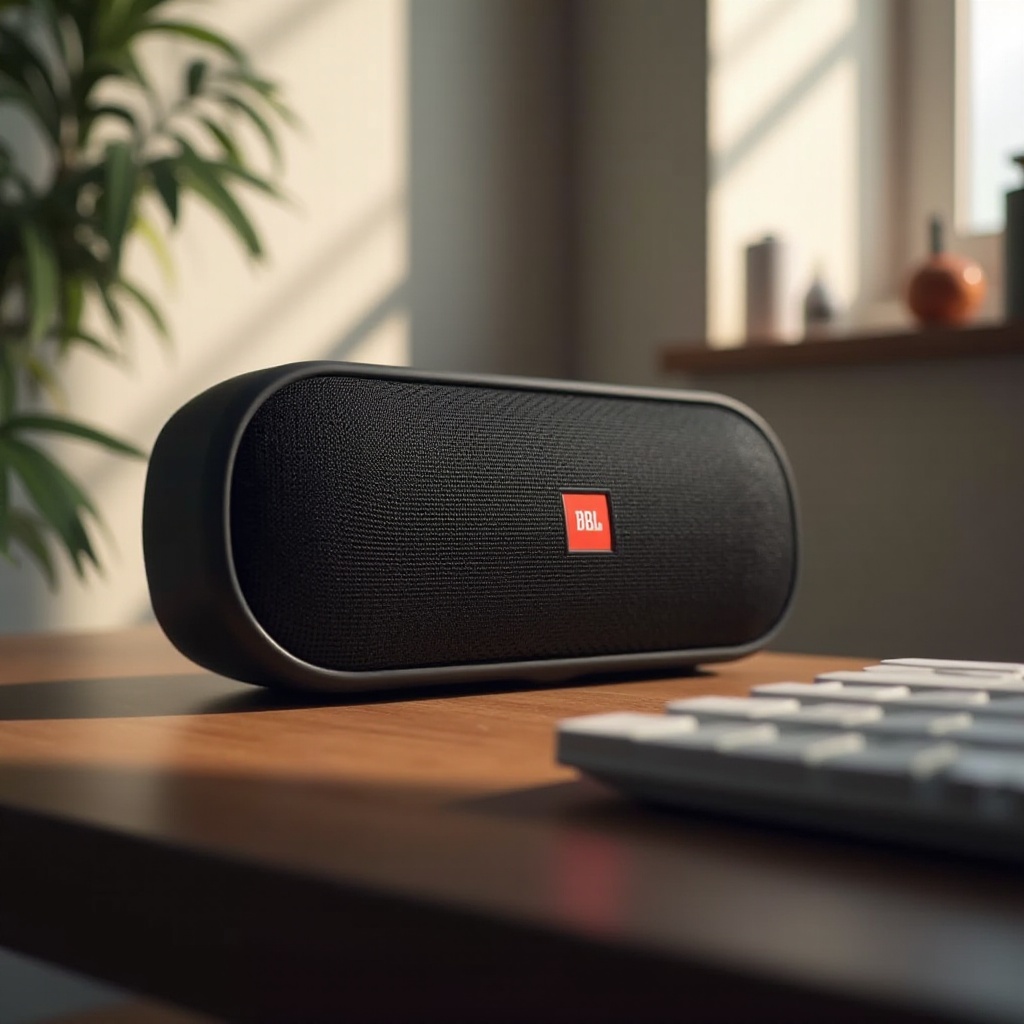
Before turning on your JBL speaker, it’s crucial to understand your specific model. Each JBL speaker, such as the JBL Flip, Charge, or Clip, offers slight variations in design and button layout.
Popular JBL Models and Their Variations: Most JBL speakers feature an ergonomic cylindrical or rectangular design, making buttons like power, volume, and Bluetooth pairing easily accessible.
Familiarizing yourself with your model aids in quickly powering on and operating the device efficiently.
Preparing to Turn On Your JBL Speaker
Preparation is key to ensuring your JBL speaker powers on smoothly.
Checking the Battery: Always begin by ensuring your speaker is charged. Connect it to a power source using its USB cable, allowing it to charge if necessary.
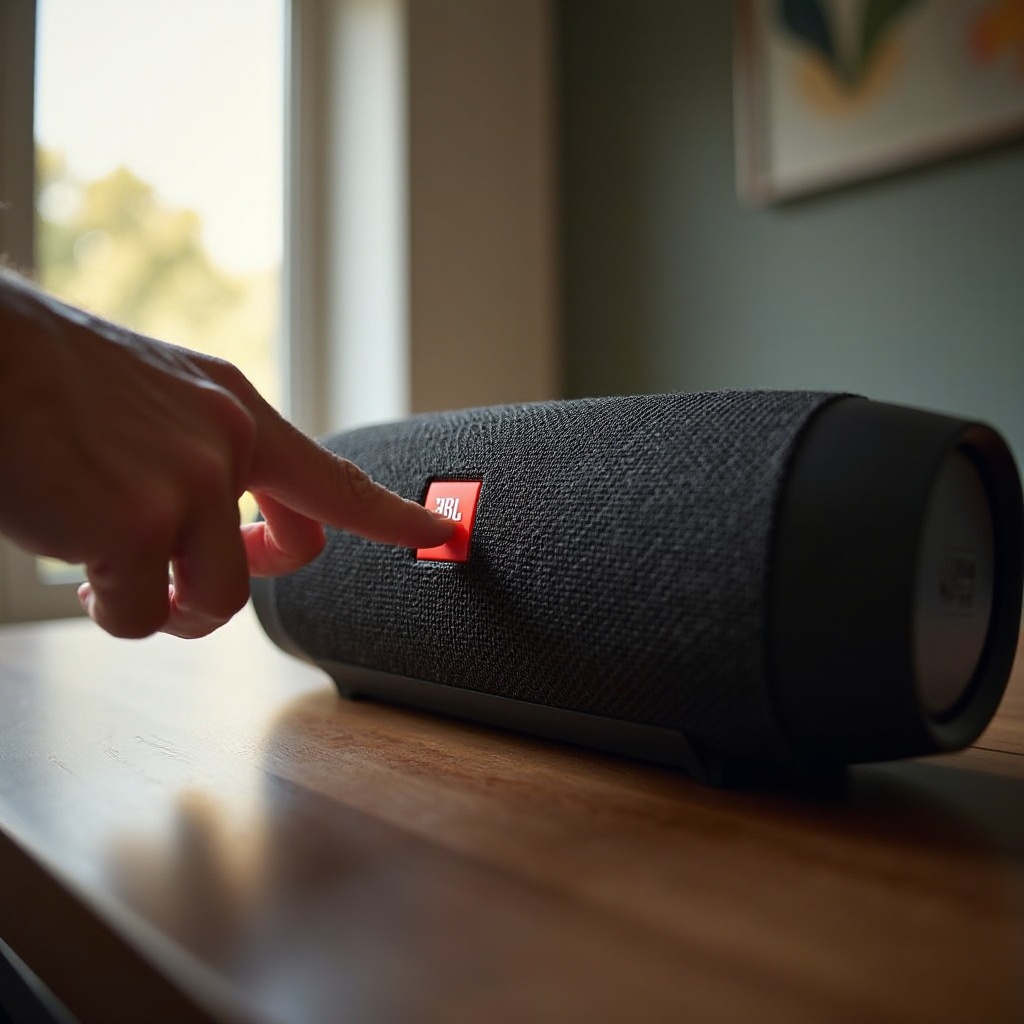
Locating the Power Button: The power button is typically located on the top or side of the speaker, marked by the universal power symbol.
These steps make sure your speaker is ready for activation without interruptions.
How to Turn On a JBL Speaker
Having prepared, you can now turn on your JBL speaker confidently:
-
Press the Power Button: Once located, press the button. A single press is usually all that is required to power on the device.
-
Visual and Audio Cues for Successful Power On: Upon activation, the speaker should emit a sound or tone. A light near the power button will illuminate, confirming it’s turned on.
These simple actions ensure your speaker is ready for use, paving the way for additional functionalities.
Troubleshooting Power-On Issues
Should your JBL speaker not turn on, consider these troubleshooting steps:
Common Activation Problems: A frequently encountered issue is a depleted battery. Ensure your speaker is adequately charged. Check for potential damage to cables or USB ports.
Solutions to Power-On Failures: Try a different power cable or outlet. If necessary, reset the speaker by holding the power button for about 10 seconds.
When to Seek Professional Help: Persistent problems may require contacting JBL support or visiting an authorized service center.
Understanding and addressing these issues ensures your speaker operates reliably.
Post-Activation: Enhancing Your JBL Experience
Once activated, your JBL speaker’s potential can be fully unlocked:
Pairing with Bluetooth Devices: Enable Bluetooth on your device. Activate Bluetooth on the JBL speaker by pressing the designated button, then connect via your device’s Bluetooth menu.
Exploring JBL App Features: Utilize the JBL Connect app to pair multiple speakers for enhanced sound. The app also offers firmware updates and customization options.
These functionalities transform your speaker into a versatile sound system for all occasions.
Maintenance Tips for Reliable Operation
Proper maintenance ensures your JBL speaker remains in optimal condition:
Regular Software Updates: Update your speaker’s firmware through the JBL app to enhance performance and fix bugs.
Battery Care Tips: Avoid overcharging to extend battery life. Partially recharge the speaker after use to maintain it effectively.
With these maintenance tips, your speaker will provide a consistently high-quality audio experience.
Conclusion
Turning on a JBL speaker is a straightforward process, thanks to its intuitive design. By following these steps and maintaining careful upkeep, you ensure a long-lasting relationship with your device. Enjoy exploring its wide range of features for a remarkable audio experience.
Frequently Asked Questions
What should I do if my JBL speaker is not turning on?
If your speaker doesn’t turn on, make sure it’s charged. Try a different power cable or outlet. If issues persist, contact JBL support.
How can I tell if my JBL speaker is fully charged?
Most JBL models have a charging indicator light that changes color or turns off when fully charged. Refer to your model’s manual for specifics.
Can I use my JBL speaker while it is charging?
Yes, you can use the speaker while charging, although it may charge more slowly than when not in use.