
Introduction
Understanding the components of a motherboard is crucial for anyone serious about optimizing their computer’s performance. One such component that often goes unnoticed is the CPU OPT header. If you’ve ever asked, ‘What is CPU OPT on motherboard?’ you’re not alone. This feature plays a significant role in effective system cooling solutions, ensuring your CPU maintains optimal temperatures. Through this guide, we’ll explore how to harness this feature for enhanced cooling, improved performance, and extended hardware longevity.
Understanding CPU OPT
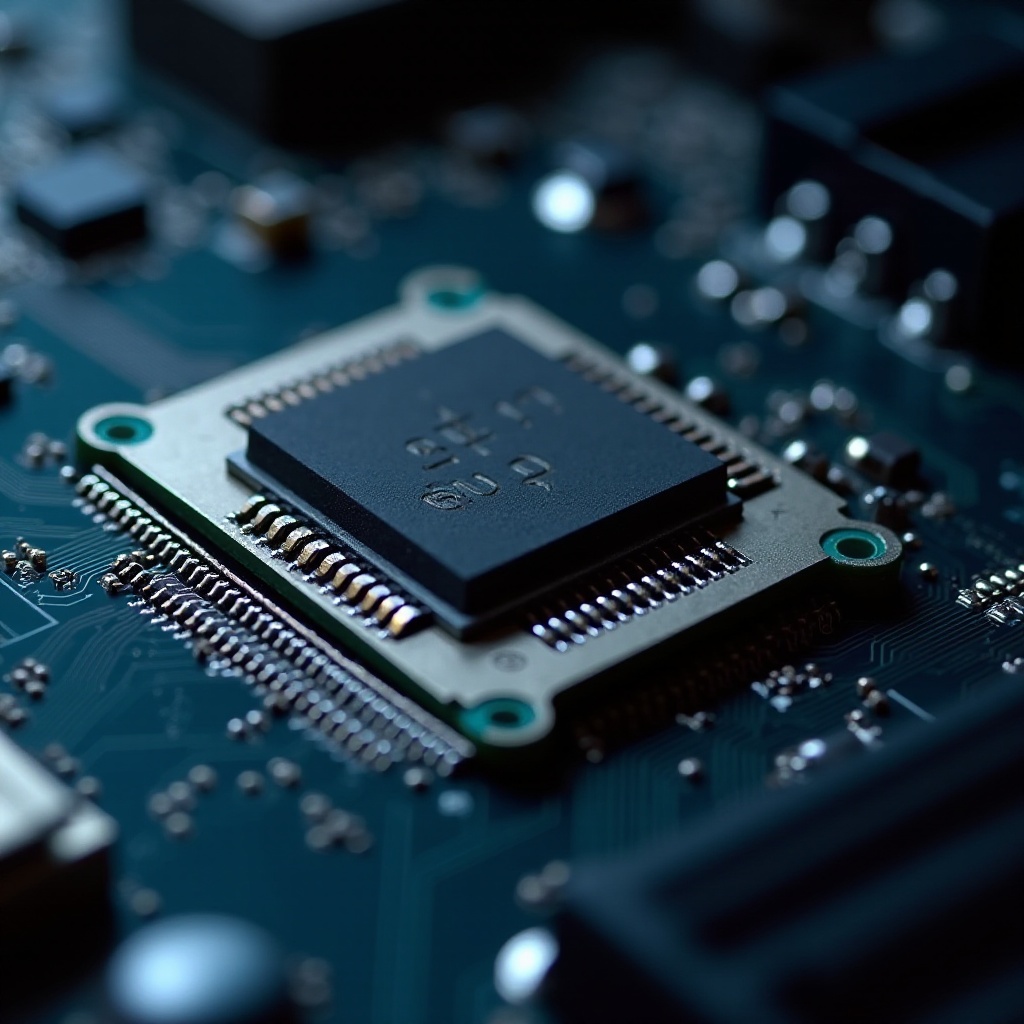
The CPU OPT, or ‘CPU Optional’ fan header, offers unique advantages in managing cooling systems within your computer. Unlike the main CPU fan header, which is primarily responsible for cooling the CPU itself, the CPU OPT provides flexibility for supplementary cooling devices. This is particularly beneficial in advanced setups that incorporate multiple fans or liquid cooling solutions. Utilizing the CPU OPT can be the key to optimizing cooling without straining the primary CPU fan header. For users aiming to maximize their PC’s cooling efficiency, understanding the CPU OPT’s purpose is indispensable.
The Function of CPU OPT in System Cooling
CPU OPT is instrumental in elevating the cooling solutions of modern, power-hungry systems. As computing demands increase, so does the need for effective heat management. By deploying the CPU OPT header, users can integrate additional cooling mechanisms, which work in harmony with the CPU fan. This not only safeguards against overheating but also facilitates a balanced temperature maintenance in high-performance environments.
CPU OPT vs. CPU FAN: Key Differences
While CPU OPT and CPU FAN headers might appear similar, they have distinct roles in a cooling system set-up.
Electrical and Control Differences
The CPU FAN header is the main connector for the chief cooling fan and typically includes PWM (Pulse Width Modulation) controls for precise adjustments based on the CPU’s temperature. In contrast, the CPU OPT header is often secondary with potentially limited control, often mirroring the CPU FAN settings to synchronize operations.
Best Usage Scenarios
The CPU FAN header is essential for the primary CPU cooler, while CPU OPT proves valuable for secondary cooling needs like additional radiators in liquid-cooled systems or supplementary case fans. By distinguishing these roles, users can customize their cooling setup to meet specific requirements and performance goals.
How to Use CPU OPT for Enhanced Cooling
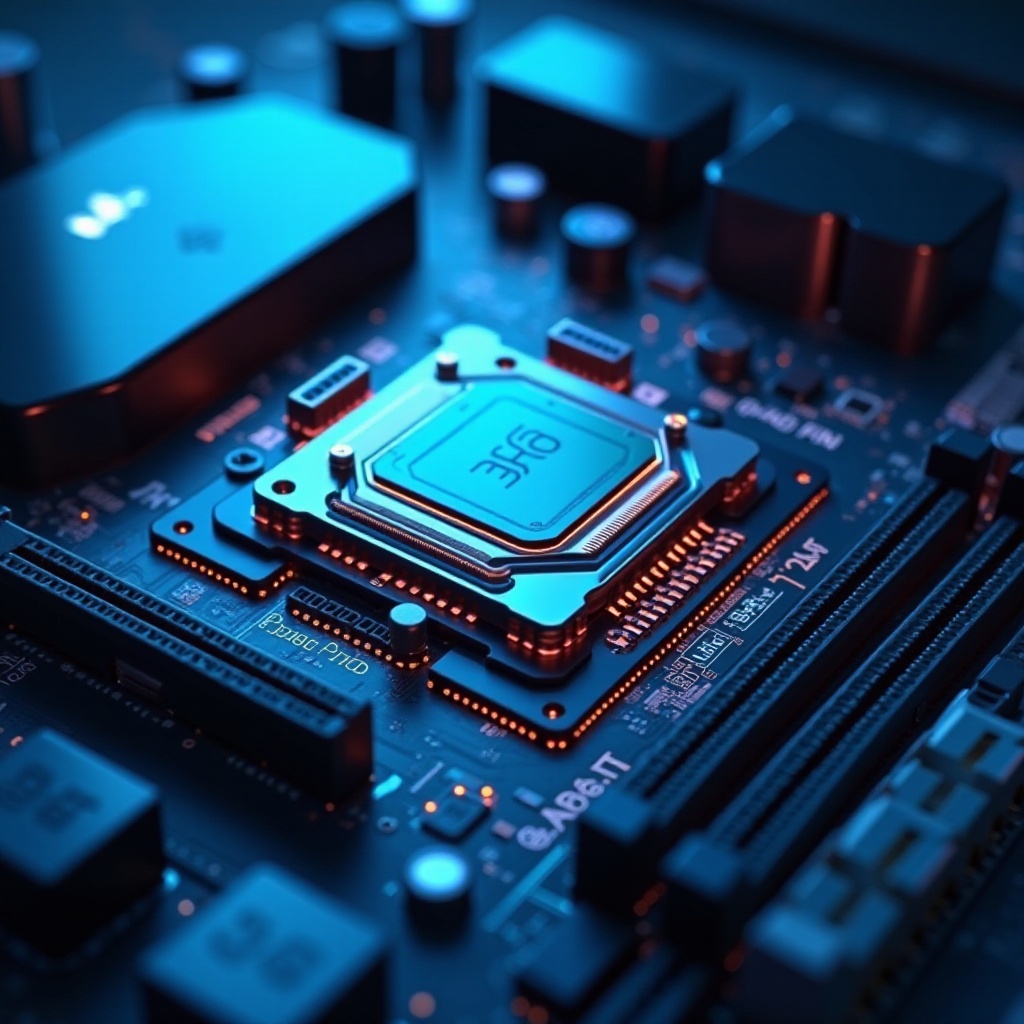
Optimizing system cooling with the CPU OPT begins with proper installation and configuration.
Step-by-Step Installation Guide
- Identify Headers: Using the motherboard manual, locate the CPU FAN and CPU OPT headers.
- Select Cooling Components: Opt for compatible cooling devices such as auxiliary fans or liquid cooling add-ons.
- Connect Cooling Devices: Attach the chosen coolers to the CPU OPT header securely.
- System Test: Run your system to ensure all cooling components work properly.
Setup Precautions
Before installation, check compatibility with your motherboard’s voltage and controls. Avoid overloading by managing power distribution responsibly. Proper cable management is also crucial to maintain effective airflow.
Optimizing Your Cooling with CPU OPT
Once hardware setup is complete, software optimization takes center stage.
BIOS/UEFI Configuration
Through BIOS/UEFI, you can set fan profiles, adjust fan speed curves, and tailor performance to your cooling needs. This ensures optimal noise and efficiency balance.
Balancing Performance and Noise
Aim for configurations where system noise reduction does not compromise cooling efficacy. This creates a quieter, more productive computing environment during heavy tasks.
Troubleshooting Common CPU OPT Issues
If issues with CPU OPT arise, solutions are often straightforward. Claiming a non-operating fan involves double-checking connections. Subpar cooling might require revisiting BIOS/UEFI settings or checking for hardware malfunctions.
Conclusion
Mastering the CPU OPT header can dramatically enhance a system’s cooling architecture, protecting components, and contributing to performance optimization. By installing and configuring the CPU OPT judiciously, your setup can sustain even the most demanding applications with precision.
Frequently Asked Questions
Can I use CPU OPT for additional fans?
Yes, the CPU OPT header can support additional fans, allowing for multiple cooling paths.
How do I identify my CPU OPT header on the motherboard?
Refer to the motherboard’s manual. It should have diagrams and labels indicating the CPU OPT location.
Is it necessary to use CPU OPT for liquid cooling setups?
It’s not mandatory, but using CPU OPT can aid in regulating radiator fans for efficient liquid cooling.