
Introduction
Inserting a SIM card into your BLU phone is a basic yet crucial task that ensures your device can make calls, send texts, and access mobile data. Whether your BLU phone is new or you’re changing carriers, correctly installing the SIM card is essential for maintaining network connectivity. This detailed guide will help you step through the process, address common issues, and offer useful tips for optimal phone performance.
Understanding Your BLU Phone Model
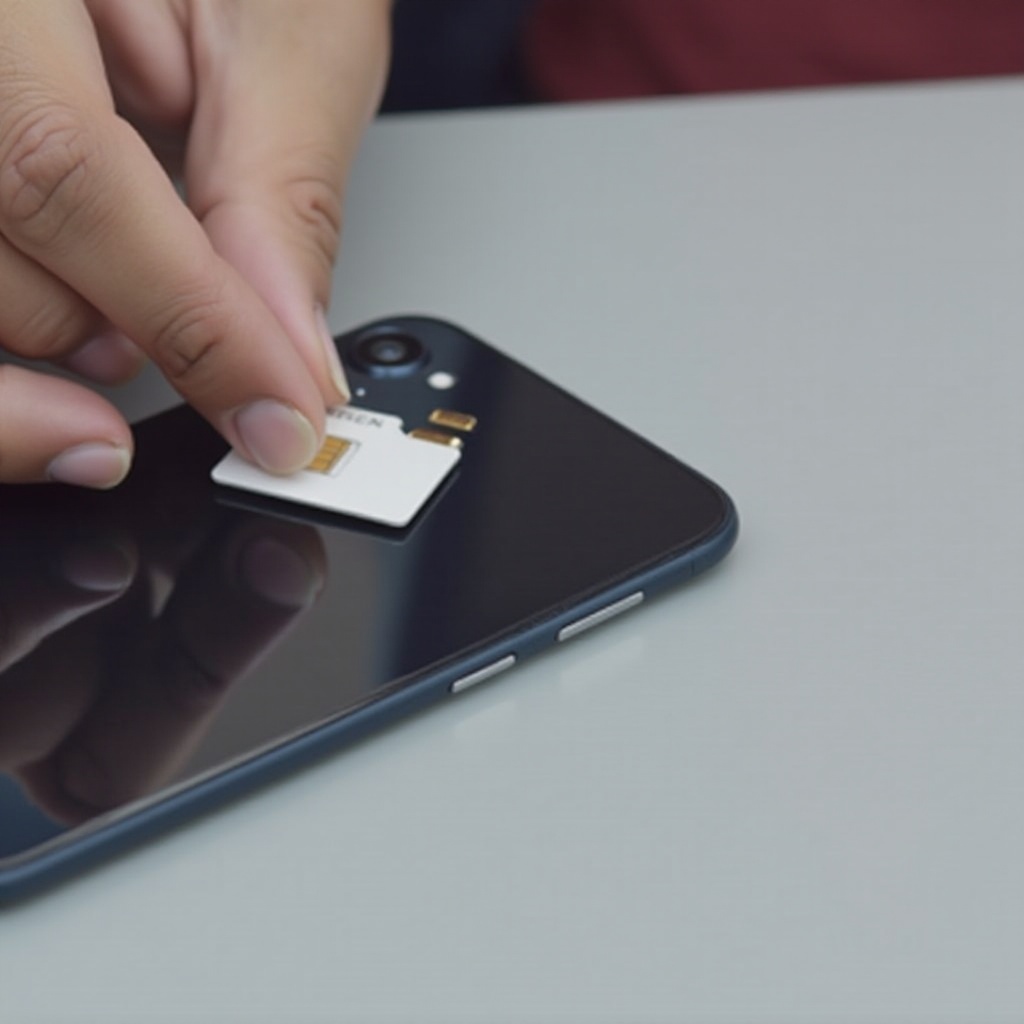
To begin, you need to identify which BLU phone model you own. Different models require different types of SIM cards, such as micro, nano, or standard. Knowing your model number is vital to ensure you are using the correct SIM card type.
Identifying Your BLU Model:
1. Check the packaging that your phone came in for model details.
2. Navigate to Settings > About Phone to view the model number.
Checking SIM Card Compatibility:
Make sure the SIM card you have matches your phone’s requirements. Most recent BLU phones use nano SIM cards. If it doesn’t fit or is incompatible, contact your mobile service provider for assistance.
Preparing for SIM Card Installation
Before inserting the SIM card, make sure you are properly prepared. Having the right tools and following safety precautions prevent potential damage to your phone and SIM card.
Gather the Necessary Tools:
– SIM ejector tool (may be included with your phone)
– A clean and flat work surface
Safety Precautions Before You Begin:
– Turn off your phone to prevent any data loss or corruption.
– Handle the SIM card carefully and avoid touching the gold contacts.
How to Insert the SIM Card in Your BLU Phone
Equipped with the right tools and information, you can now insert your SIM card. Follow these simple steps to ensure correct installation.
Locating the SIM Card Slot:
Most BLU phones have the SIM card slot on the side, though some models might have it under the back cover. Check your phone’s manual if unsure about the location.
Ejecting the SIM Card Tray:
1. Insert the SIM ejector tool into the pinhole beside the slot.
2. Apply gentle pressure until the tray pops out.
Proper SIM Card Placement:
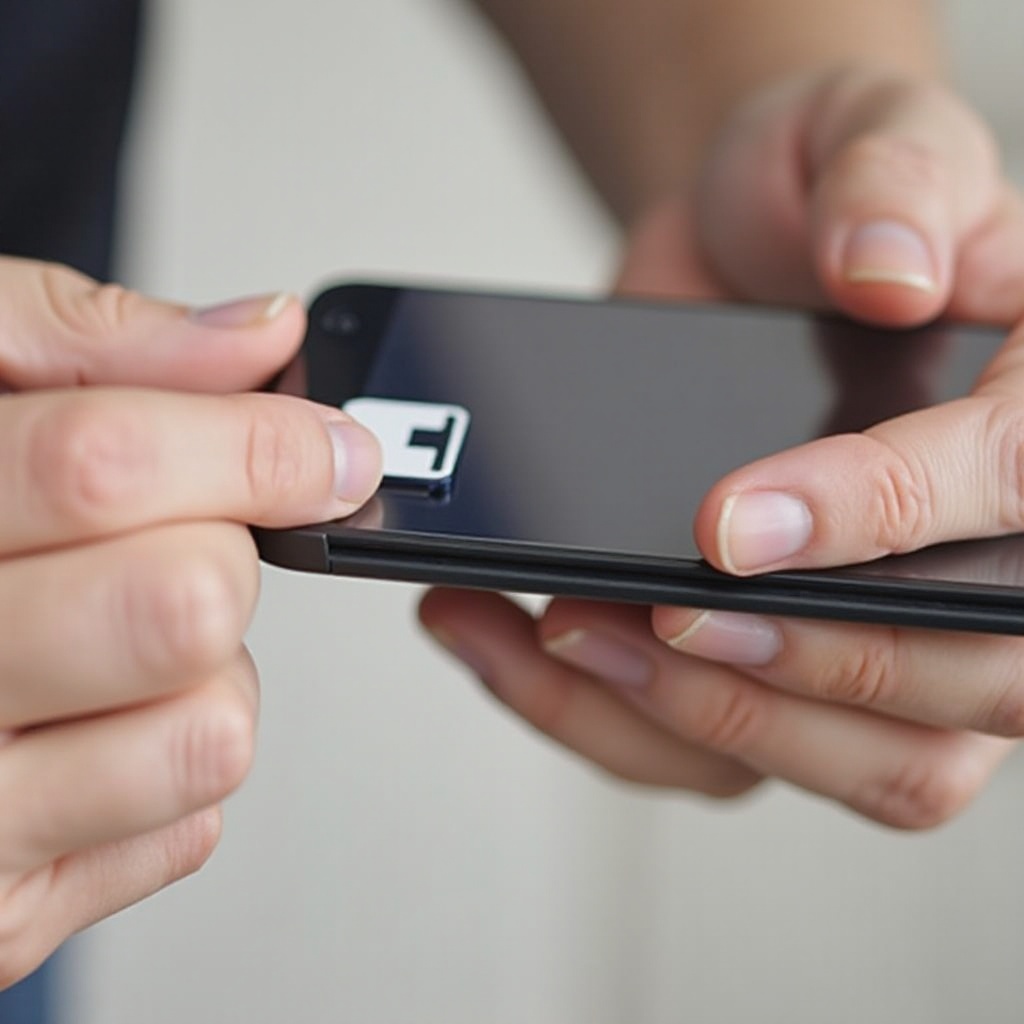
1. Place the SIM card in the tray, aligning it with the cut-out space.
2. Ensure the gold contacts are facing down, corresponding with the phone’s contacts.
Reinserting the SIM Card Tray:
1. Carefully push the tray back into the phone.
2. Check that it fits snugly to avoid any disconnections.
Troubleshooting Common SIM Card Issues
After installation, some users might face issues with their SIM card, such as a ‘SIM Not Detected’ message or no service. These common problems often have simple fixes that can be tried before escalating to professional help.
SIM Not Detected Problems:
– Remove and insert the SIM card again, ensuring it is correctly seated in the tray.
– Restart your phone to refresh the connection and software.
Handling ‘No SIM’ Errors:
– Confirm with your provider that your SIM is activated and working.
– Check for any available software updates on your phone. Sometimes, outdated software might conflict with the SIM.
Pro Tips for Managing SIM Cards
Correct handling and maintenance of your SIM card can extend its life and ensure your phone’s optimal operation.
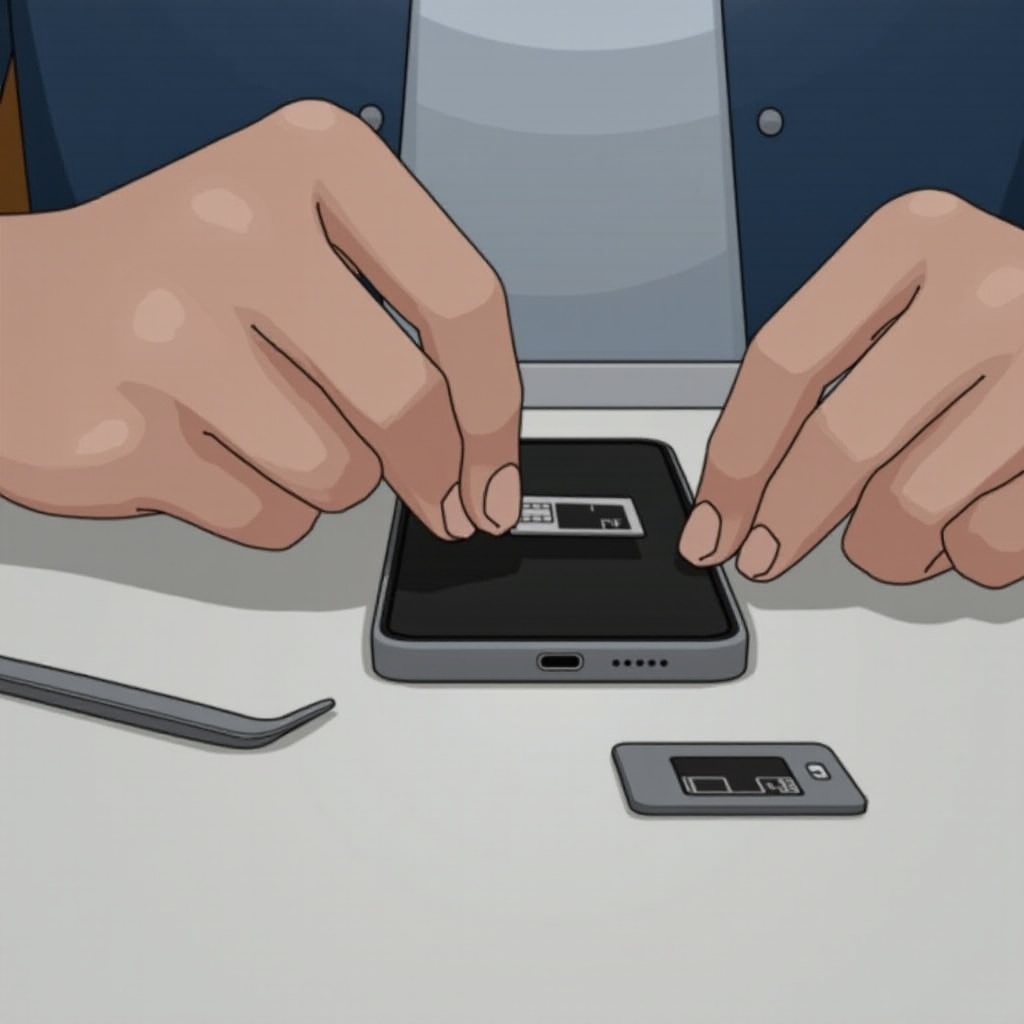
Switching SIM Cards Safely:
– Always power off your phone before changing SIM cards.
– Use a case for storing extra SIM cards to guard against damage.
Maintaining SIM Card and Phone Health:
– Periodically clean the SIM card contacts with a microfiber cloth to ensure good connectivity.
– Back up your phone data regularly to prevent loss when switching SIM cards or phones.
Conclusion
Installing a SIM card in your BLU phone is a simple task if you follow the steps carefully and prepare adequately. This guide equips you with the know-how to deal with any associated challenges effectively, ensuring your phone remains connected and fully functional. Remember to take care with your SIM card and explore your phone’s features to get the most out of your device.
Frequently Asked Questions
How do I know if my BLU phone is compatible with my SIM card?
Check your phone’s specifications for SIM card requirements. Consult your service provider if unsure.
What should I do if my BLU phone doesn’t recognize the SIM card?
Ensure the SIM card is properly seated in its tray. Contact your service provider if the issue persists.
Can I use dual SIM cards in my BLU phone and how?
Yes, if your model supports dual SIM. Insert both cards in the slots and configure them via your phone’s settings.