
Introduction
Purchasing a PlayStation 4 marks a thrilling chapter in any gamer’s life, whether you’re just starting or adding to your collection. However, clarity on included accessories can sometimes be elusive. Among the common queries is whether a PS4 comes with an HDMI cable. This comprehensive guide will not only confirm what’s in your PS4 box but also highlight essential accessories for an upgraded gaming experience.
Unboxing Your PS4: What’s Included?
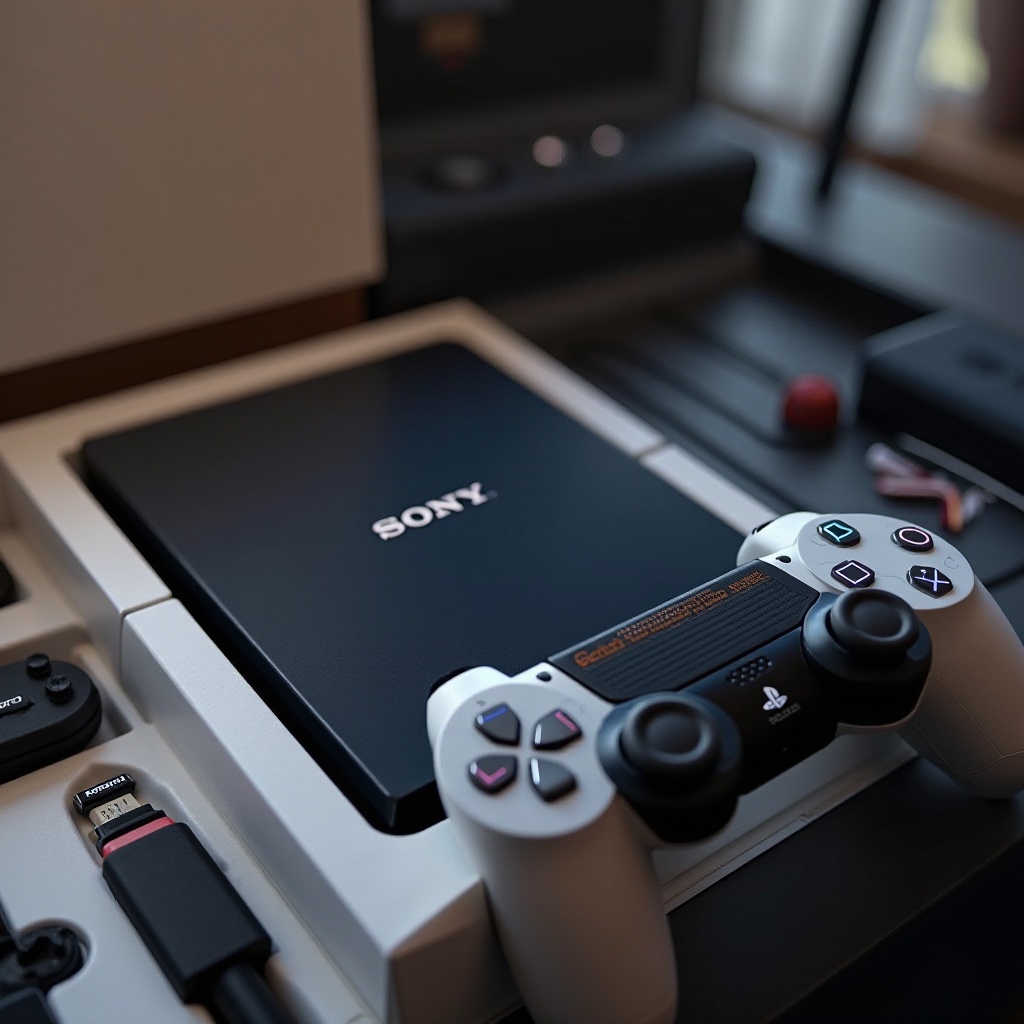
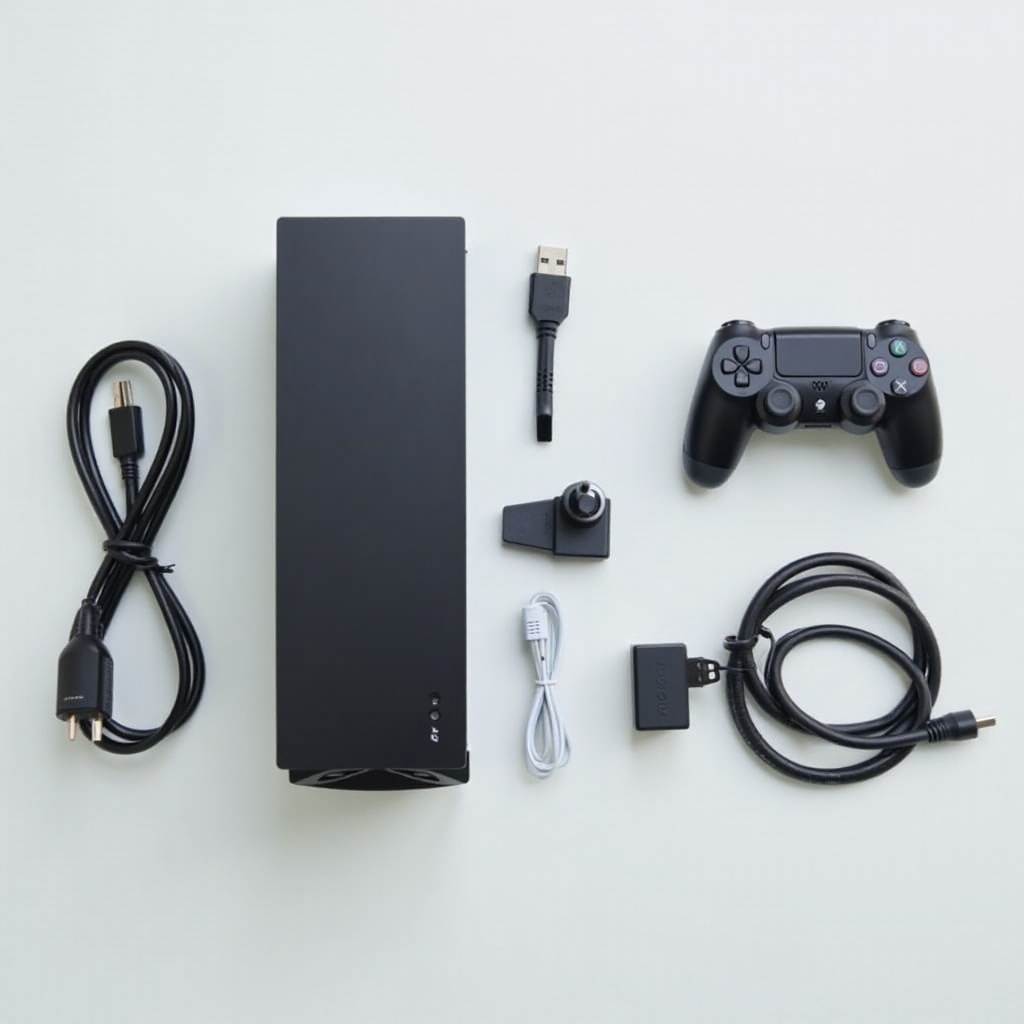
As you unveil your new PS4, you’re greeted with an array of components that are designed to get you started. Here’s what you’ll typically find:
1. PlayStation 4 Console: The core of your gaming universe.
2. DualShock 4 Wireless Controller: Essential for smooth interaction with your games and console interface.
3. Mono Headset: For basic in-game communication and audio.
4. Power Cable: To provide the necessary juice for your gaming sessions.
5. USB Charging Cable: Used primarily for recharging your DualShock 4 controller.
These contents set the groundwork for a seamless introduction to PlayStation gaming. But the big question remains: does it include an HDMI cable? Let’s delve into this aspect.
Understanding the Importance of HDMI Cables
HDMI cables are pivotal in delivering high-definition visuals and audio from your console to your TV. They represent an all-in-one solution, minimizing the clutter of multiple cables. For the PS4, using an HDMI cable is key to experiencing its full visual potential, offering:
– Superior Visuals: The high-definition output highlights the graphics capabilities of the PS4.
– Enhanced Sound Quality: Delivers crystal-clear audio to enrich your gaming ambiance.
Given their importance, the inclusion of an HDMI cable directly affects the gaming setup quality and experience.
Does the PS4 Package Include an HDMI Cable?
Indeed, the standard PS4 package includes an HDMI cable. Each PS4 model—whether it’s the PS4 Slim or the PS4 Pro—comes equipped with this essential component. Here’s a brief on what each offers:
– PS4 Slim: Supplied with an HDMI cable compatible with most modern TVs, ensuring ready gameplay.
– PS4 Pro: Also includes an HDMI cable, designed to accommodate 4K TV setups, thus optimizing the advanced graphical capabilities of 4K gaming.
This ensures your console can be connected and enjoyed straight out of the box, minimizing any additional purchases. Now, let’s explore what you can do to enhance your experience further.
Additional Accessories for an Enhanced Gaming Experience
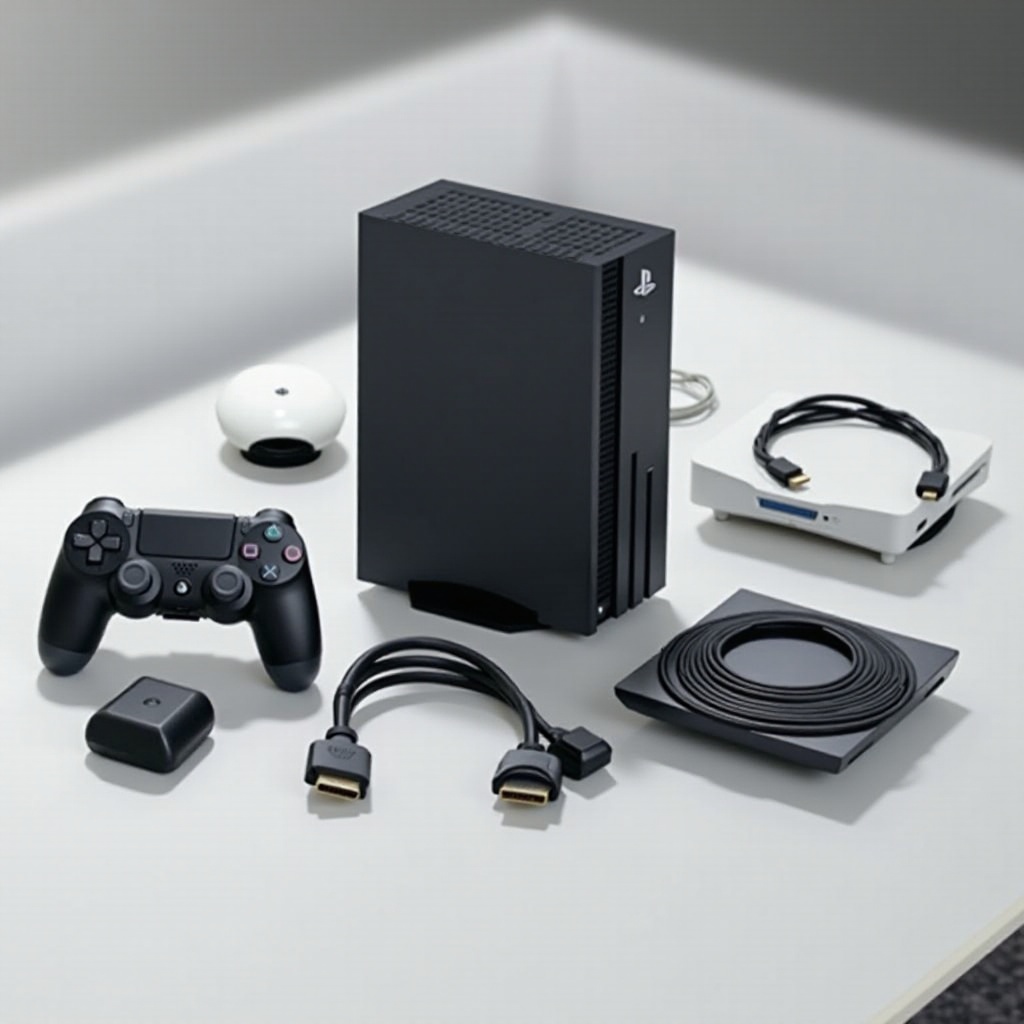
To maximize your PS4 enjoyment, consider investing in additional accessories beyond what’s included. Here are some options to elevate your setup:
– High-quality Headphones: Achieve deeper immersion and communicate more effectively during multiplayer sessions.
– Extra Controller: A second controller facilitates multiplayer fun and ensures constant gameplay during charging cycles.
– PlayStation Camera: Unlocks facial recognition for smoother login and access to a wider range of interactive games.
– External Hard Drive: Expands your storage capacity, enabling more game saves and digital downloads without compromising performance.
These enhancements not only improve your setup but also ensure a personalized gaming environment. Next, we will look into the best ways to set up your new console.
Setting Up Your PS4: A Step-by-Step Guide
After ensuring you have all the necessary components and enhancing your setup with additional products, it’s time to get your PS4 fully operational. Here’s a guide to help you through the setup:
1. Connect to Power: Use the provided power cable to connect your PS4 to an electricity source.
2. Attach the HDMI Cable: Plug one end into your PS4 and the other into your TV or monitor.
3. Turn on the PS4: Press the power button on your console or controller to initiate.
4. Follow On-Screen Setup: Configure your language, internet connection, and other initial settings.
5. Sign into PlayStation Network: Create or log in to your account to access multiplayer games and digital purchases.
A successful setup leads to uninterrupted gameplay and maximizes your console’s functionality.
Conclusion
Understanding what’s included in your PS4 package prepares you for a smooth setup experience. With the inclusion of an HDMI cable, you’re ready to enjoy the impressive visuals and capabilities of your PS4. Coupling those with additional accessories can further enrich your gaming lifestyle. Embrace your new console and explore the vast digital worlds awaiting you.
Frequently Asked Questions
Does every PS4 model come with an HDMI cable?
Yes, both the PS4 Slim and PS4 Pro include an HDMI cable in the box.
Can I use any HDMI cable with my PS4?
Yes, while the included cable works perfectly, any high-speed HDMI cable is compatible with your PS4.
What should I do if my PS4 doesn’t have an HDMI cable?
Contact the retailer or Sony support for a replacement, or buy a compatible HDMI cable from an electronics store.