
Introduction
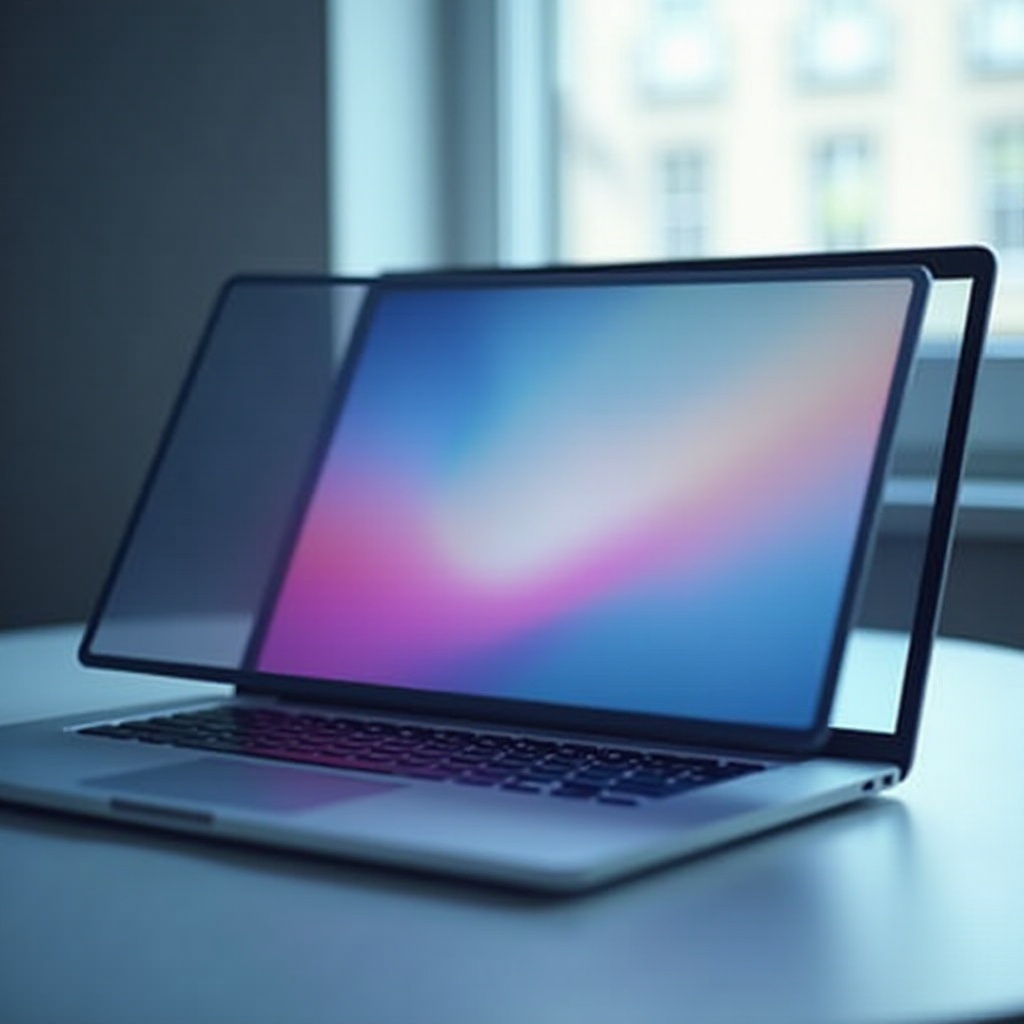
Screen glare on a MacBook Pro can be a major distraction, affecting your comfort and productivity. Light that reflects off your screen not only causes eye strain but can also hinder your ability to focus on tasks. This guide delves into various methods to minimize glare impact, including built-in MacBook features, external tools, and DIY strategies, ensuring a smoother working experience.

Understanding Glare on MacBook Pro Displays
What Causes Screen Glare?
Screen glare is primarily caused by bright light sources, such as sunlight or overhead lights, reflecting off your MacBook Pro screen. The glossy surface of the MacBook contributes to this, amplifying reflections in brightly lit environments. Understanding these factors serves as the foundation for identifying effective anti-glare solutions.
Impact of Glare on Eye Health and Productivity
Prolonged exposure to screen glare can lead to symptoms like digital eye strain, headaches, and decreased productivity. It’s an essential concern for those who rely heavily on their laptops for work or study. Addressing glare is key not just for comfort but also for maintaining efficiency in daily tasks. With this in mind, let’s examine Apple’s built-in countermeasures.
Built-in Anti-Glare Features of MacBook Pro
Apple’s Display Technologies
Apple has incorporated several technologies to reduce glare on MacBook Pro displays. The Retina display, for instance, enhances screen clarity, helping users avoid increasing brightness to combat glare. Moreover, Apple’s anti-reflective coating on certain models further reduces light reflection, providing a more pleasant viewing experience.
Comparing Different MacBook Models
Not all MacBook models are created equal when it comes to glare reduction. Newer iterations often feature improved coatings and display technologies that offer better glare management. This makes it crucial for potential buyers to compare models based on their display features if glare is a concern. Even with these built-in features, some users may require additional solutions, leading us to external products.
Top External Anti-Glare Solutions
Anti-Glare Screen Protectors
Screen protectors with a matte finish are effective at diffusing light and reducing reflections. They are inexpensive, easy to apply, and do not interfere with touch sensitivity. For many, they offer an immediate and practical solution for managing screen glare.
Anti-Reflective Coatings
Another option is applying an aftermarket anti-reflective coating. This service, typically performed by professionals, can substantially reduce glare and enhance visual clarity. Though more costly, it provides a durable and long-term solution, especially for heavy laptop users.
Portable Hood Attachments
Hood attachments serve as barriers that prevent light from reaching the screen. Acting much like a visor, they block overhead light sources, offering significant relief from glare. They’re portable and easy to install or remove, ideal for users who frequently move between different lighting conditions.
DIY Methods to Minimize Glare
Adjusting Ambient Lighting for Better Display Quality
Controlling your environment’s lighting is a straightforward way to reduce screen glare. Positioning your workspace away from direct sunlight and using window treatments like curtains or blinds can help manage external light sources. Adjusting indoor lighting so it isn’t directly aimed at the screen can also reduce glare.
Optimizing Screen Brightness and Positioning
Finding the right screen brightness can alleviate glare. Excessive brightness enhances reflections, so aim for a setting that is comfortable without being too bright. Additionally, changing your screen’s angle can help minimize reflections from ceiling lights.
Computer Glasses for Reducing Screen Glare
Computer glasses, designed to filter out blue light, can also reduce screen glare. They enhance your viewing comfort and mitigate eye strain. These glasses are an effective supplemental measure if you face persistent glare during prolonged computer use.
Choosing the Right Solution for Your Needs
Factors to Consider When Selecting Anti-Glare Options
When selecting an anti-glare solution, consider factors like budget, ease of installation, and effectiveness. Screen protectors are an economical choice, whereas anti-reflective coatings, though pricier, offer a more comprehensive solution. Evaluate your specific needs to choose the most applicable solution.
Balancing Cost and Effectiveness
Align your choice with both your budget and the level of glare reduction you need. While DIY methods are budget-friendly, investing in professional solutions like coatings might be more beneficial if you regularly use your MacBook in high-glare areas. Balancing cost with the desired level of reduction will guide you to the right choice.
Future of Anti-Glare Technology in MacBook Pro
Emerging Display Innovations in 2024
As technology advances, Apple continues to enhance its display technologies. Models in 2024 are expected to feature more sophisticated anti-glare solutions that adjust more effectively to diverse lighting conditions.
Predictions for Upcoming MacBook Models
Future MacBook Pro models will likely integrate new technologies to combat glare, using adaptive displays that minimize reflections based on environmental lighting. Staying informed about these developments can be beneficial for consumers looking to upgrade.

Conclusion
Addressing screen glare on your MacBook Pro is essential for both comfort and productivity. Whether through integrated features, external solutions, or personal adjustments, multiple options exist to suit various needs and preferences. By selecting the right approach, you can greatly improve your user experience and performance.
Frequently Asked Questions
Can anti-glare screen protectors affect display quality?
Anti-glare screen protectors can slightly reduce clarity due to their matte finish, but many users feel the trade-off is worth the reduction in glare.
How often should I replace my anti-glare screen protector?
Screen protectors should typically be replaced every 6-12 months or as soon as they show significant signs of wear or scratching.
Are there any DIY solutions for glare reduction on a budget?
Yes, adjusting your screen’s brightness, using curtains to block sunlight, and wearing computer glasses are inexpensive methods to reduce glare.